




Creating and testing accessible digital content requires the right tools. This session will introduce you to a wide range of tools designed to streamline the creation, remediation, and testing of accessible content across platforms. You’ll learn how to use tools like Made2Tag, CommonLook, and AxesPDF for accessible PDF creation and remediation. We’ll also cover color contrast analyzers, screen readers, and disability simulators. You’ll walk away with the knowledge to integrate these tools into your workflow for improved accessibility and compliance. This session will empower you to create content that is accessible to everyone, regardless of ability.
Key Takeaways:
- Discover tools for accessible document creation and remediation.
- Explore color contrast analyzers and simulators to ensure your designs are visually accessible.
- Gain insights into free and paid tools for creating accessible color palettes.
This article was last modified on July 8, 2025
This article was first published on May 13, 2025
Commenting is easier and faster when you're logged in!

Recommended for you
InDesign Template Essentials: GREP Styles
Includes several working GREP styles you can copy and adapt in your own document...
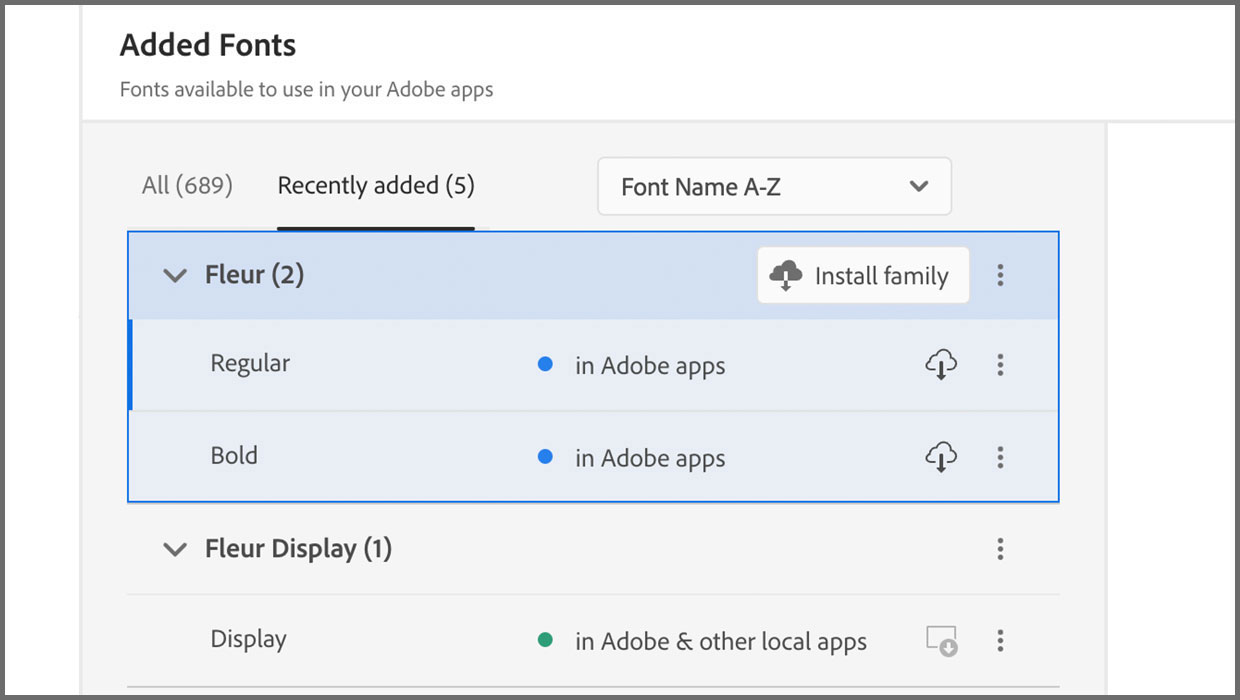
Added Fonts: The Confusing New Change in Adobe Fonts
Learn about Added Fonts in Creative Cloud, which can only be used in Adobe apps...

Fixing Slideshow Projection Problems With Photoshop
The church of St Andrew, Holborn, in the heart of London, was built by Christoph...