



This article was last modified on May 1, 2023
This article was first published on
Commenting is easier and faster when you're logged in!
Loading comments...

Recommended for you

Article
InDesign Magazine Issue 95: Footnotes
We’re happy to announce that InDesign Magazine Issue 95 (March, 2017) is now ava...

Article
This Week in InDesign Articles, Number 88
CS6 and Creative Cloud, of course, but lots of other great articles for InDesign...
Article
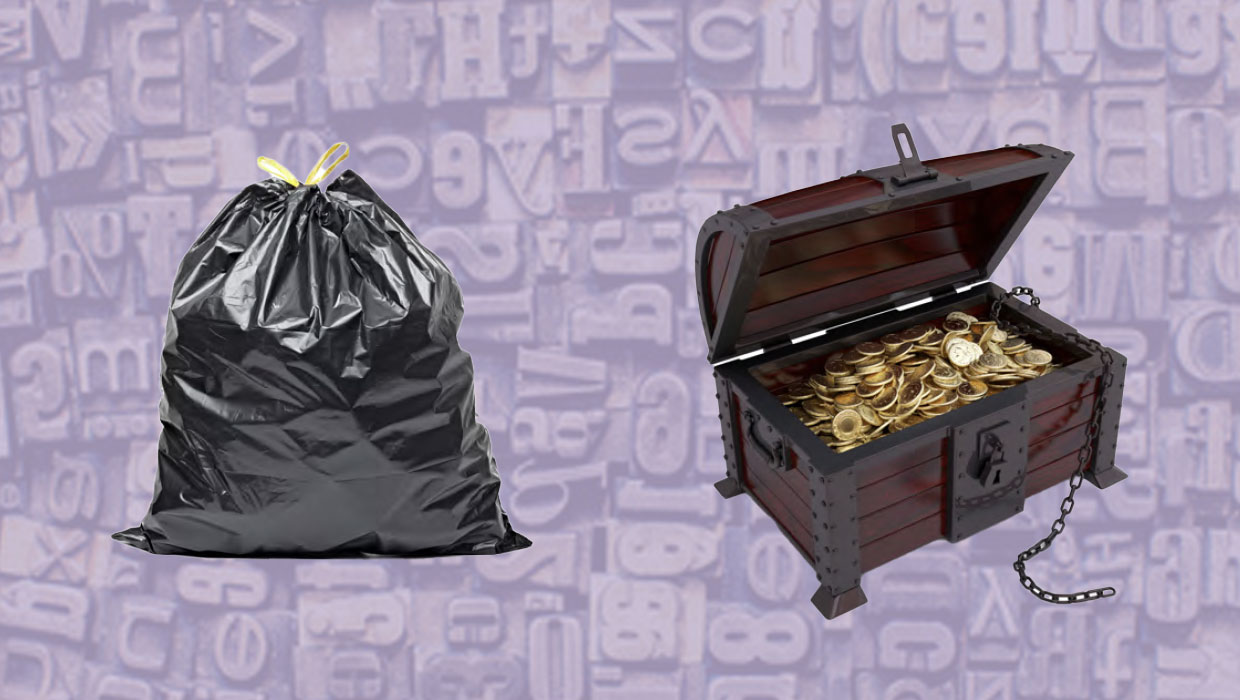
What Good Are Free Fonts?
How to tell if a font is trash or treasure, regardless of its cost.