



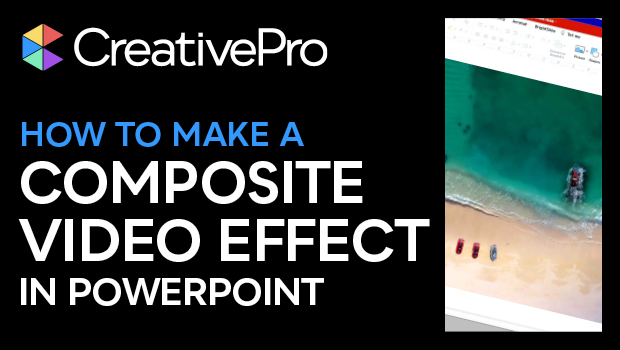
In this “Three Minutes Max” video, Jole Simmons shows how to create a composite using videos and photos to craft one coherent scene right inside of PowerPoint. By playing with shading, masking, and edge effects, he blends the multiple elements into one and gives his slide added visual interest.
Three Minutes Max comes from a fun—yet very competitive—session at our annual CreativePro Week conference. Speakers have three minutes to wow the audience with the tip and win a prize for a lucky conference attendee.
Subscribe to the CreativePro YouTube channel for more helpful design tips!
This article was last modified on August 29, 2025
This article was first published on May 27, 2022
Commenting is easier and faster when you're logged in!

Recommended for you
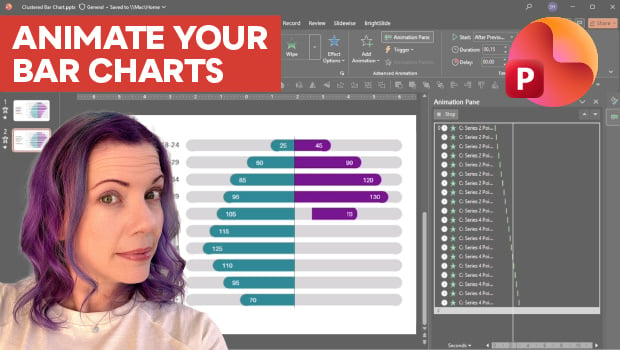
Animate a Waterfall Effect on a PowerPoint Bar Chart
Stephy Hogan is back with another eye-catching animated chart design.

How to Create Attention-Grabbing Agenda Slides for Presentations
Do your agenda slides need a makeover? Jody Wissing's step-by-step approach will...
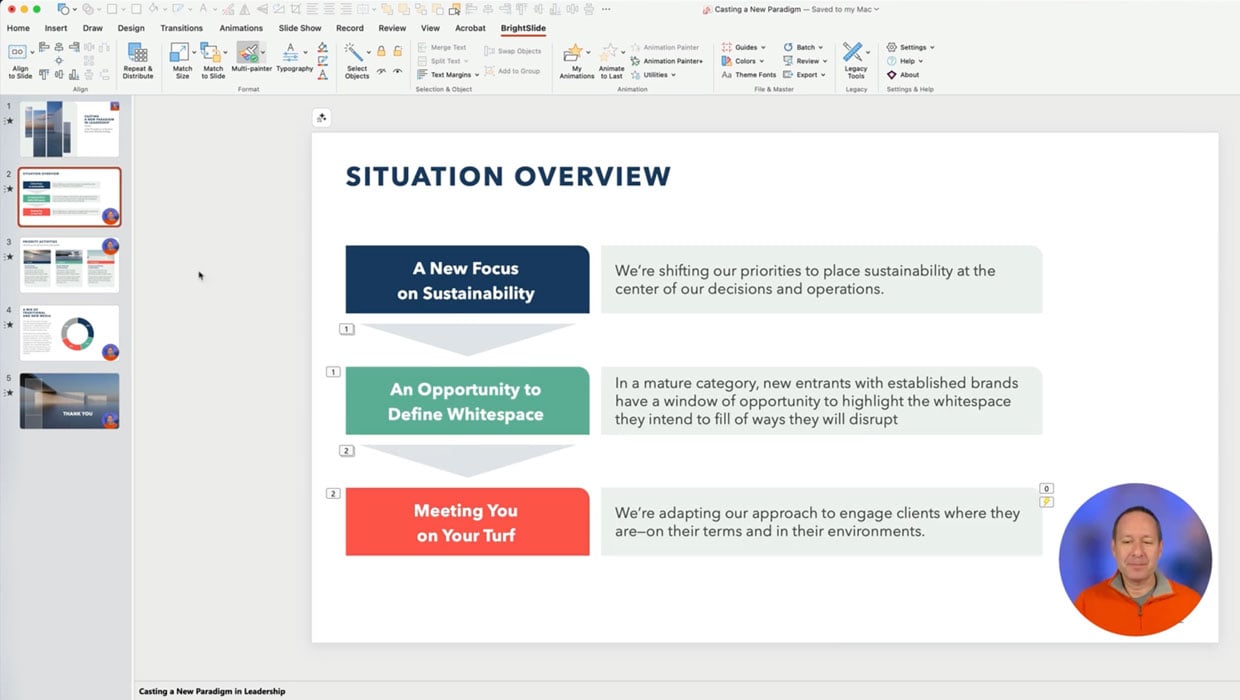
Members-Only Video: Using the Built-in Recording Tools in PowerPoint
Learn how to record your PowerPoint presentation so it can be played back later...