



This article was last modified on July 15, 2020
This article was first published on
Commenting is easier and faster when you're logged in!
Loading comments...

Recommended for you
Article
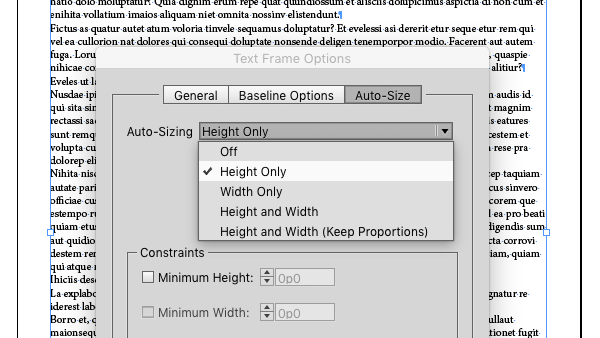
Auto-Size InDesign’s Text Frames
Make your InDesign text frames take their cues from the text they contain by usi...

Article
Selecting Text: Doing the Finger Dance
Do you really understand how to select text with a keyboard shortcut? InDesign d...

Article
InDesign Magazine Issue 92: InDesign in the Middle East
We’re happy to announce that InDesign Magazine Issue 92 (December, 2016) is now...