


Photoshop How-To: Create Stunning Type Effects

This story is taken from “Photoshop Type Effects Visual Encyclopedia” with the permission of its publisher, New Riders.
You may not think of Adobe Photoshop as a typographic program. In truth, fine typography is not its strong suit. But you can do some amazing things with type in Photoshop, thereby giving your text added punch — and dimension, contortion, erosion, mummification, and so on.
Those are just a few of the effects you’ll find in “Photoshop Type Effects Visual Encyclopedia,” three chapters of which we’ve excerpted here. The book contains recipes for how to make ordinary letters into graphic elements.
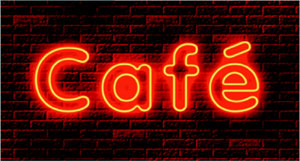
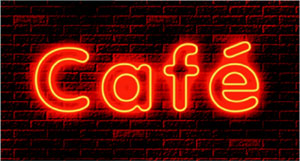
In these excerpts learn how to use Photoshop to make text look like it’s been written in the sky, outlined in neon, and stitched in leather. Better yet, take these techniques and experiment. You never know what you may come up with.
We’ve posted these excerpts as PDF files. To open them in your Web browser, click these links:
You can also download the PDF files to your machine for later viewing.
This article was last modified on January 3, 2023
This article was first published on May 21, 2003
Commenting is easier and faster when you're logged in!

Recommended for you

Designing A Logo for Every Size & Usage
Designing a typographic logo, or word mark, isn’t as simple as coming up with on...

All Photos Are Manipulated
“Has that been Photoshopped a lot?” I sometimes hear that question w...
Scanning Around with Gene: Getting That New Bike Down the Chimney
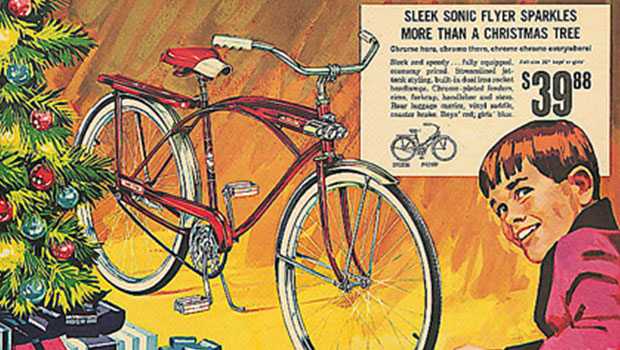
Vintage images and memories from when a shiny new bike was the ultimate Christma...