




On July 20, 2011, Apple let Lion out of its cage. While this software, also known as Mac OS X 10.7, may be just a cub, it’s already biting many Adobe applications. Adobe has noted the current known issues in a tech note.
There are problems that are specific to certain apps, including Acrobat, Dreamweaver, Illustrator, Lightroom, and Photoshop. For example, droplets don’t work correctly in Photoshop CS3, CS4, or CS5.
There are also issues that pop up in multiple Adobe apps:
• The Library folder is hidden (affects preferences, presets, and other settings)
• Applications may behave inconsistently if you don’t install Java Runtime manually
• Crash Reporter is either delayed or doesn’t appear at all
• Application scrolling may function in the opposite way that it did before you installed Lion
And if your copy of the Creative Suite is CS2 or earlier, it sounds like you should forget about installing Lion. OS X 10.7 doesn’t support Rosetta, which you need to run those earlier versions of CS on newer Intel-based Macs.
Apple added some features to Lion–Autosave, Full Screen Mode, multi-touch, Restore, and Versioning–that Adobe apps can’t take advantage of yet. In the tech note, Adobe says it “will investigate which ones make sense to our customers for inclusion in future versions of our products”.
Read the complete tech note for Adobe’s fixes and?recommendations.
This article was last modified on August 2, 2021
This article was first published on July 21, 2011
Commenting is easier and faster when you're logged in!

Recommended for you

Lightroom 4 Ships with Lower Price
After two months in public beta, Adobe Photoshop Lightroom 4 is now shipping. Th...
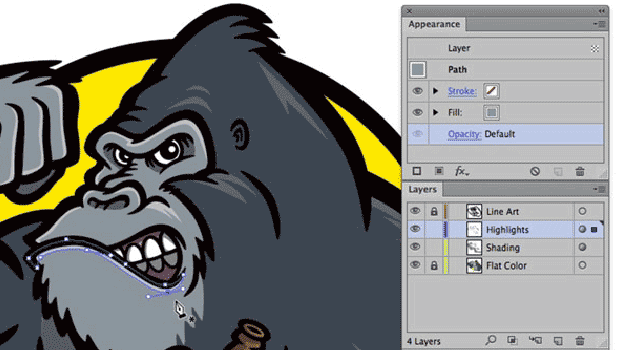
Illustrator WOW! Techniques: Flexible Shading and Highlighting Effects
Would you like to add richer shading and highlighting effects to your vector art...
Fill Live Text With Any Image in InDesign
Mike Rankin shares the trick for filling live text with any color, pattern, or p...