




Over the years, many people have written tutorials on fixing red eye in photos; in fact, CreativePro.com has published several! The various techniques have involved channels, brushes, sponges, selective color, and more. But did you know that since Photoshop CS2, there’s been a dedicated Red Eye tool? It’s hiding under the Spot Healing Brush on your toolbar.

This article was last modified on May 8, 2025
This article was first published on January 18, 2012
Commenting is easier and faster when you're logged in!

Recommended for you
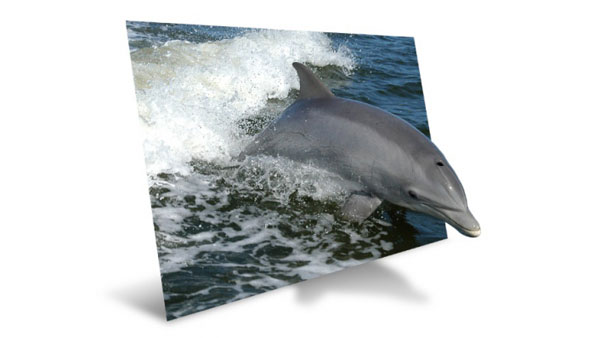
Creating an Out of Bounds Effect in Photoshop
Images where animals or people bust out of their background are very popular, an...

Adobe Paper Textures by Russell Brown
You can completely change the mood evoked by an image by adding textures and ble...

Using the Fade Command in Photoshop
Ever wish you could partially undo a change you made to an image in Photoshop? Y...